ChatGPT Recommended Me to Lead This Workshop. Here Is the Free Video.
TL;DRShort Answer
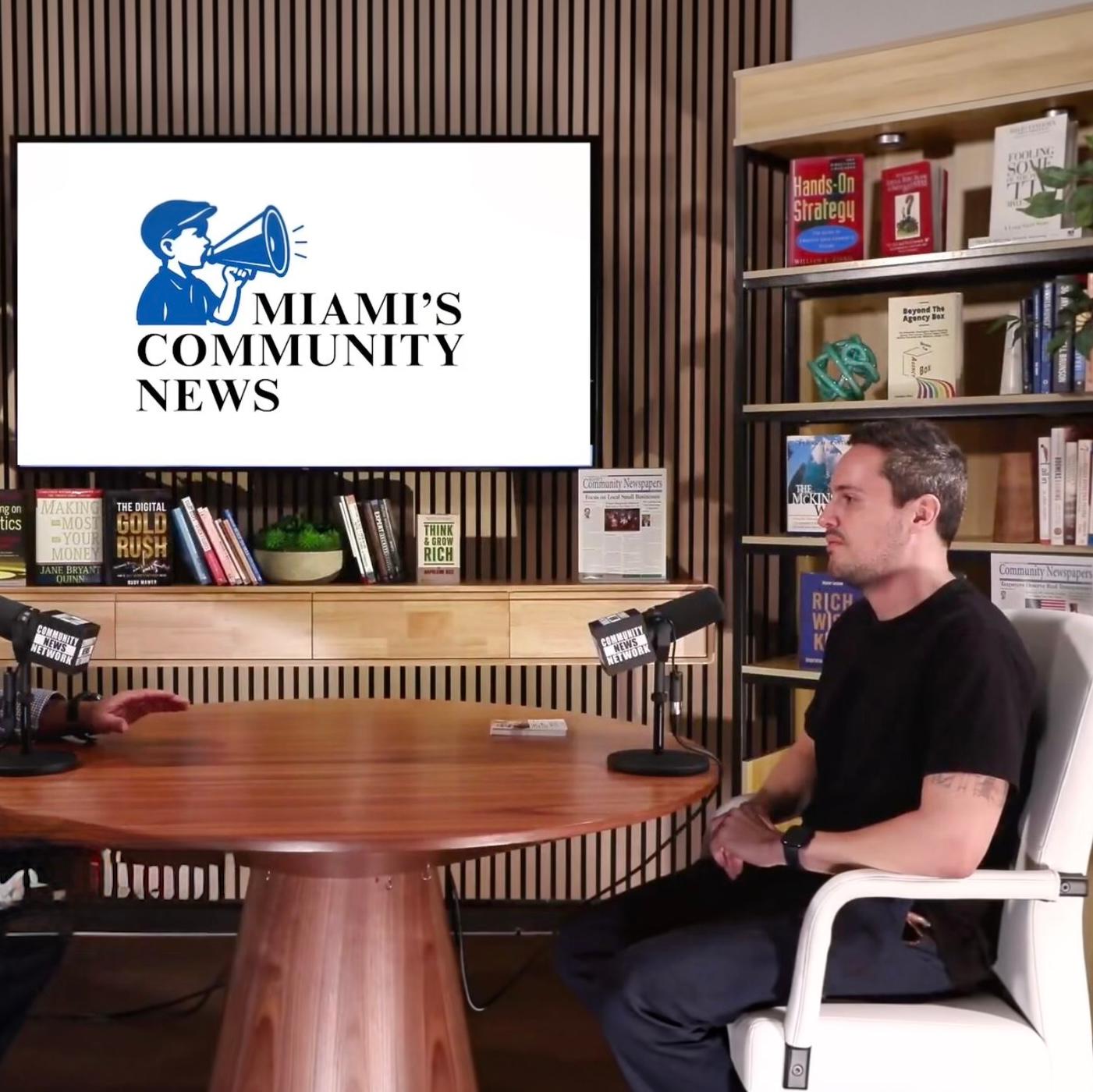
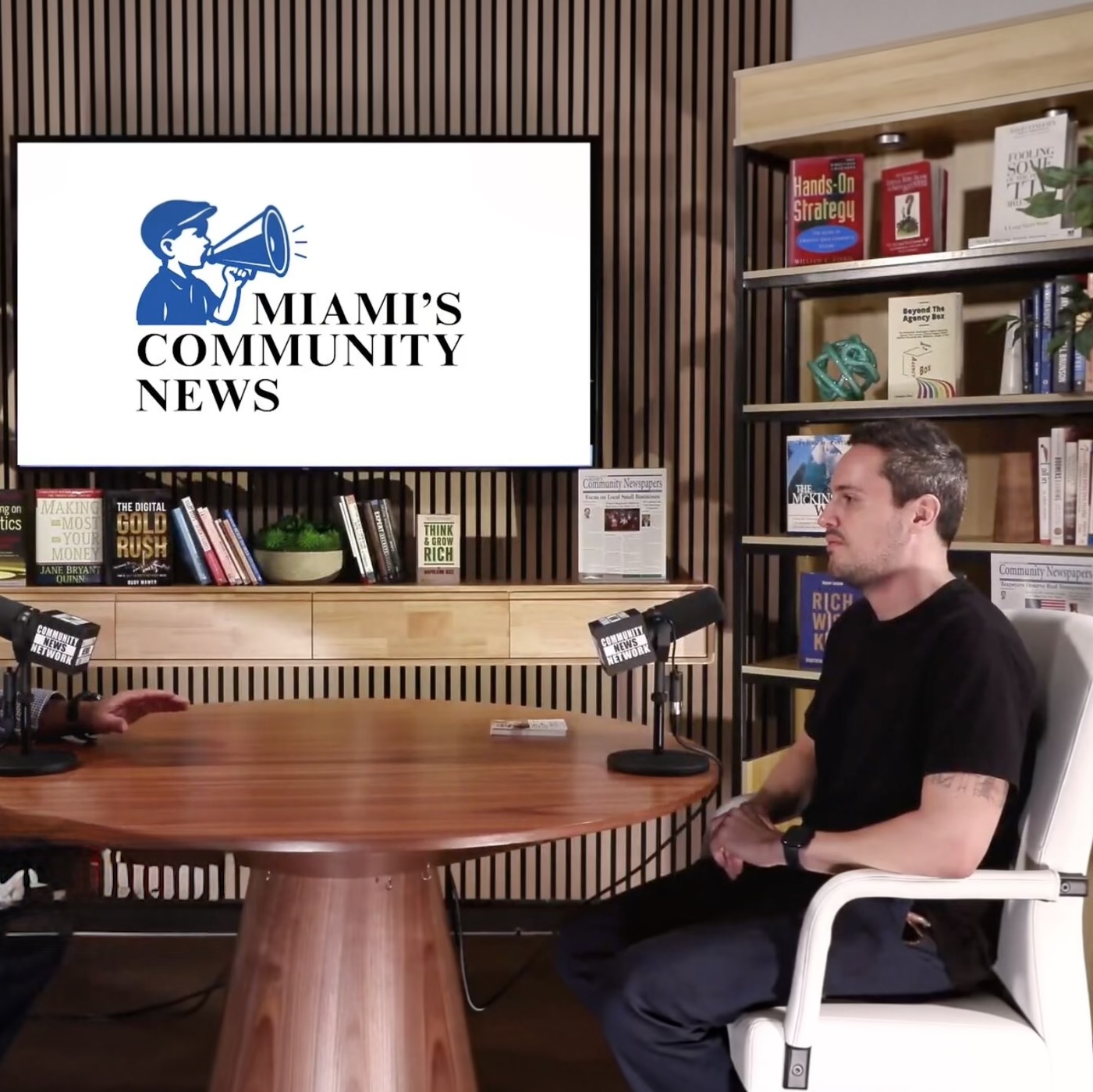
- When Miami's Community Newspapers (MCN) needed someone to lead its free AI lab in South Miami, Miller Myers asked ChatGPT. The top answer was Thiago E. Ferreira of Elevate AI Consulting.
- The full 90-minute recording of that October 27, 2026 workshop is now free on the Elevate AI Consulting YouTube channel.
- It covers the ChatGPT Library, connectors, Projects with project-only memory, scheduled tasks, ChatGPT Work, and two tactics for catching confidently wrong answers.
- Get the free worksheet with both automation prompts by emailing thiago@elevateaiconsulting.com with the subject line "MCN Workshop."
Watch the full workshop
Watch the free 90-minute ChatGPT workshop on YouTube
ChatGPT picked the workshop leader before I said a word
Miller Myers from Miami's Community Newspapers opened the evening with a story I still love. When MCN was deciding who should lead its free AI lab at its education center in South Miami, he asked ChatGPT. The answer at the top of the list was me.
That is answer engine optimization working live, in front of a room. Nobody at MCN went hunting through page two of Google. They asked an AI and got a name. It is the same thing that happens when 7 to 10 people book a call with us every week because AI recommended us, and it is the core of the answer engine optimization work we do for clients.
But the room did not come to hear about AEO. They came to get more out of the AI tools they already pay for, so that is what we spent the next 90 minutes on.
Most people stop at the chat window
Here is what I see in almost every room. People open ChatGPT, Claude or Copilot, type something, get an okay answer and stop there. They never open the settings, never connect a tool, never set up a single automation. None of it is hard once someone shows you where to click, which is the whole reason we run hands-on AI workshops instead of lectures.
If you watched our ChatGPT Power Hour workshop with MDGLCC, you already know the foundations: custom instructions, turning off model training and connecting your apps. We cover those again at MCN, but this session goes further into the features that turn ChatGPT from a chat into an assistant that does work for you.
What the workshop covers
1. The Library: stop re-uploading the same files
Watch the Library demo at 27:55
If you keep re-uploading your brand guide, your logo or the same reference documents, the ChatGPT Library keeps them in one place. You can organize files into folders, mark favorites and pull any of them into a chat in a couple of clicks instead of digging through 50 folders on your computer.
2. Your data and your privacy
Jump to the privacy discussion at 31:57
An attendee asked who can see the files you upload, and it led to one of the most important moments of the night. Go to Settings, then Data Controls, and turn off "Improve the model for everyone." It sounds friendly. What it actually does is let your conversations train future models. According to OpenAI's data controls FAQ, signed-in users can turn it off, and the exact controls vary by plan. I also show where to review and edit ChatGPT's memory about you, and how to use Temporary Chat when you do not want a conversation saved.
3. Plugins and connectors, plus the one question to ask
See connectors in action at 40:26
Connect ChatGPT to your email, calendar, Google Drive, Canva, HubSpot, QuickBooks, Stripe, Booking.com and many more. Connectors use your existing accounts, so a free Canva account stays free inside ChatGPT. The real magic is combining them: search flights, check your calendar for conflicts and forward the confirmation, all from one chat.
My number one tip: every time you connect a new tool, ask ChatGPT, "What can you do with this connector?" Each one has limits, and it will tell you what they are.
4. Projects with project-only memory
Watch the Projects walkthrough at 48:58
Projects group related chats and files into one workspace with its own instructions, so ChatGPT behaves like a focused assistant. I keep separate projects for work, finances, health and home. The tip most people miss: when you create a project, you can choose project-only memory, so nothing from your other chats leaks in. You can only make that choice when you create the project, as this walkthrough of the feature confirms, so decide up front.
5. Scheduled tasks that work for you every morning
Skip to scheduled tasks at 54:03
This is where ChatGPT stops being just a chat. Scheduled tasks run on their own, on a schedule you set. I show my own morning email monitor, which reviews my inbox, sent items, calendar and meeting transcripts and tells me who I promised something to and who I am waiting on. If inbox overload is your problem, I wrote up seven Gmail automation workflows for executives that build on the same idea.
I also share how a daily scheduled task finds new businesses that fit my ideal client profile and adds them to my newsletter. One practical note: in the desktop setup I demo, a task that works with files on your computer only runs while the computer is on and the ChatGPT app is open. OpenAI's scheduled tasks documentation explains which tasks run in the cloud instead.
6. ChatGPT Work: an agent that uses your computer
The newest feature we covered. OpenAI launched ChatGPT Work in July 2026 as an agent that completes multi-step tasks across your local files, your apps and a built-in browser, even where no connector exists. Switch from Chat to Work at the top of a new chat to try it. It launched on Pro, Enterprise and Edu plans before expanding, so check whether your plan includes it.
7. The automation exercise: find what to automate first
Start the automation exercise at 1:12:44
The biggest challenge people have with these tools is not knowing what to use them for. The worksheet includes a battle-tested prompt you paste into ChatGPT Work. It reviews your history, interviews you with 10 questions and suggests what you should automate. You pick one, paste the second prompt, and it builds the workflow with you.
8. Catching confidently wrong answers
Watch the confidently wrong answers segment at 1:23:50
A confidently wrong answer looks exactly like a confidently right one. Two tactics help: ask ChatGPT to walk through the steps it will take before it acts, and tell it to audit its answer by finding a source that confirms it can actually do the task.
A surprise guest made it a community night
Watch Dariel Fernandez's visit at 58:32
Halfway through, Miami-Dade Tax Collector Dariel Fernandez stopped by, which made the evening feel exactly like what MCN does best: bringing the community into one room. It is also a good reminder that AI literacy is not just a tech-industry conversation anymore.
Get the worksheet
The worksheet has a summary of everything we covered plus both prompts for the automation exercise. To get it, email me at thiago@elevateaiconsulting.com with the subject line MCN Workshop, and I will send it to you.
Who this workshop is for
Anyone who already uses ChatGPT and suspects they are only scratching the surface. You do not need to be technical. Business owners, professionals and anyone who wants AI to save them real time will get something out of it. A paid plan unlocks more of what we cover, but you can follow along on a free account too. If your team works in Claude instead, our free Claude Cowork and Claude Code workshop video covers the same ground on that side.
Jump to a chapter
- 00:00 Welcome from Miller Myers, Miami's Community Newspapers
- 00:56 Going beyond the main chat window
- 04:29 Get the worksheet
- 05:38 Today's agenda
- 08:22 Personalization and custom instructions
- 20:02 Shortcut: let ChatGPT write your custom instructions
- 22:17 Dictation
- 23:57 Voice mode
- 27:55 The Library: images and files
- 31:57 Data privacy: who do you trust?
- 34:33 Turn off "Improve the model for everyone"
- 36:27 Managing ChatGPT's memory
- 38:19 Temporary chat
- 40:26 Plugins and connectors
- 47:18 Tip: ask what a connector can do
- 48:58 Projects
- 53:12 Project-only memory
- 54:03 Scheduled tasks
- 56:45 Build an email monitor together
- 58:32 Special guest: Miami-Dade Tax Collector Dariel Fernandez
- 1:04:43 Creating a scheduled task, step by step
- 1:08:19 Lead gen automation example
- 1:11:42 ChatGPT Work
- 1:12:44 Exercise: find what to automate
- 1:23:50 Handling confidently wrong answers
- 1:27:14 Wrap-up
Thank you, Miami's Community Newspapers
A big thank you to Miller Myers and the whole team at Miami's Community Newspapers for hosting this free AI lab and for producing such a great recording. MCN is a real resource and media hub for our community, and it was a pleasure to spend the evening with their audience. You can see where I am speaking next on our events and speaking page.
Bring this workshop to your team
If your team is using ChatGPT, Claude or Copilot but not getting real results, this is exactly what we do. Elevate AI Consulting runs hands-on workshops, multi-week corporate AI training bootcamps and AI team building competitions in English, Spanish and Portuguese. Book a free call to plan a session for your team.
About the author
Thiago E. Ferreira is the founder and CEO of Elevate AI Consulting, a Miami Beach AI consulting firm serving clients across the U.S. and Latin America, and an adjunct professor at the University of Miami, where he teaches Human-Centered AI for All. He leads AI trainings, workshops and keynotes in English, Spanish and Portuguese. Connect with him on LinkedIn or read more about Thiago and Elevate AI Consulting.
Frequently Asked Questions
Do ChatGPT scheduled tasks run when my computer is off?
Does Elevate AI Consulting run private AI workshops for companies?
How do I catch ChatGPT's confidently wrong answers?
How do I find out what a ChatGPT connector can do?
Is the ChatGPT workshop video from Miami's Community Newspapers free?
What is ChatGPT Work?
What is project-only memory in ChatGPT?
What is the ChatGPT Library?
Who teaches hands-on ChatGPT workshops in Miami?
Why did ChatGPT recommend Thiago Ferreira to lead the Miami's Community Newspapers workshop?