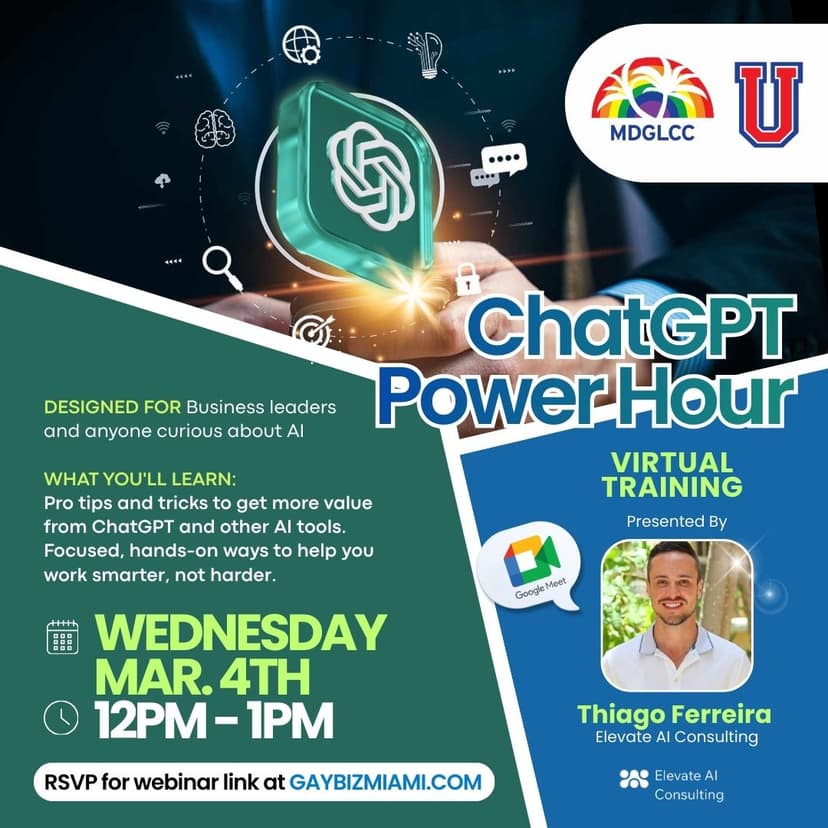
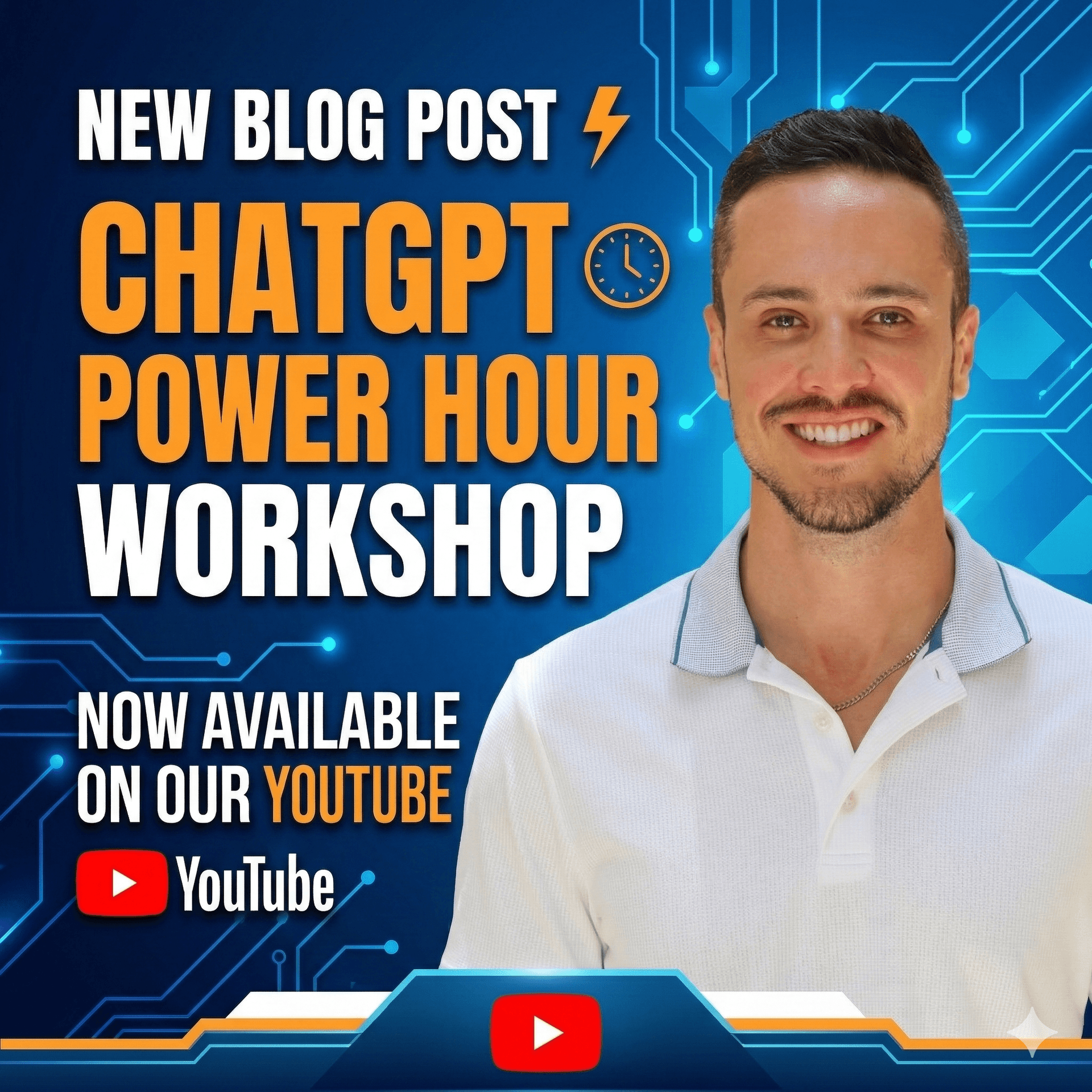
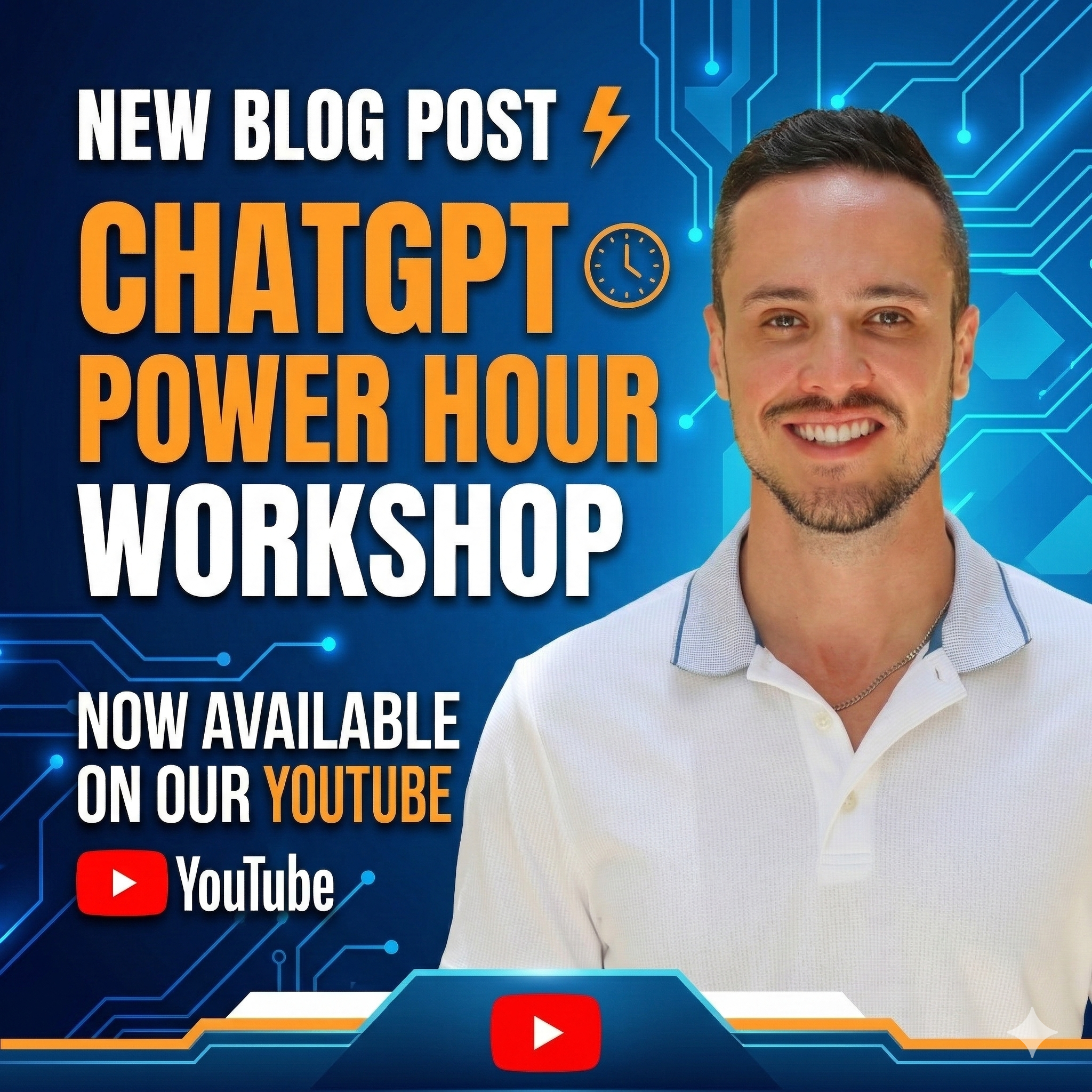
FREE ChatGPT Power Hour Workshop Posted on Our Youtube!
TL;DRShort Answer
Most people use ChatGPT like a search engine and wonder why the results are mediocre. In this free workshop, I break down the PREPA prompting framework, demo ChatGPT's Deep Research and Agent Mode live, and walk through the privacy settings every user should change today. Watch the full recording below.
Most people use ChatGPT like a search engine and wonder why the results are mediocre. In this free workshop, I break down the PREPA prompting framework, demo ChatGPT's Deep Research and Agent Mode live, and walk through the privacy settings every user should change today. Watch the full recording below.
Why I Created This Workshop
I have been teaching AI workshops for businesses, chambers of commerce, and universities for the past two years, and I keep seeing the same problem. People type one vague sentence into ChatGPT and then blame the tool when the output is generic. That is not a ChatGPT problem. That is a prompting problem.
The PREPA prompting framework gives people a repeatable structure for writing prompts that actually produce usable results. PREPA stands for Pre-existing conditions, Role, Explicit instructions, Parameters, and Ask me. It works with ChatGPT, Claude, Gemini, Copilot, and any other AI tool, and it is the foundation of everything I teach in my AI training programs. If you are still choosing among those, read Which AI to Use (and When). For the Claude version of this Power Hour, watch the Claude Power Hour recap.
This particular workshop was delivered live for the Greater Miami LGBTQ Chamber of Commerce (MDGLCC) as part of their professional development series. The audience was small business owners, consultants, attorneys, event planners, real estate professionals, and other service providers looking to use AI as a real business tool, not a novelty.
What You Will Learn in This Workshop
The workshop is structured around five segments, each building on the last.
The PREPA Prompting Framework is where we start. I walk through each of the five elements with real examples, including an analogy about my husband bringing home Chipotle when I wanted a Publix chicken tender sub, which will make the concept stick whether you are an AI beginner or someone who has been using ChatGPT for two years. If you only take one thing from this workshop, let it be this: give ChatGPT more information, and stop letting it make assumptions.
I applied that same PREPA approach live on Becker's Take It To The Board, rewriting a starving special-assessment prompt into one with real context. That applied example is in AI Doesn't Live in Your Head.
ChatGPT Deep Research Mode is the first live demo. I show you how to activate it, structure a PREPA prompt for it, and what happens while it runs. Deep Research spends 5 to 30 minutes autonomously reading 20 to 100 web pages and compiling a cited, synthesized report. I run a real query live about business opportunities for LGBTQ-owned businesses in Miami-Dade, and the output is the kind of report that would normally take a full workday of manual research.
Security and Privacy Settings is the segment that makes people visibly uncomfortable, and that is the point. I walk you through exactly how to stop OpenAI from training on your data, when to use Temporary Chat mode, and how to audit your connected apps. If you have not turned off "Improve the model for everyone" in your settings, you need to watch this section immediately.
Personalization, Memory, and Connected Apps covers how to set up ChatGPT so it already knows who you are and what you do before every conversation. I also walk through connecting Gmail, Google Calendar, and Google Drive, and I have a candid conversation with the audience about whether you should actually trust OpenAI with your email.
ChatGPT Agent Mode is the closer. I demo a multi-step prompt where the agent browses real websites to find companies expanding into Miami, compiles decision-maker names, pulls my proposal template from Google Drive, checks my calendar for open slots, and drafts personalized outreach emails. It is a full business development workflow in a single prompt. This is where people start to understand what AI agents can actually do for their business today.
Who This Workshop Is For
This workshop was designed for business owners and professionals who are already using ChatGPT but know they are not getting the most out of it. You do not need a technical background. You do not need to know how to code. You just need a ChatGPT account and a willingness to try a more structured approach to prompting.
If you have ever thought "ChatGPT just gives me generic stuff," this workshop will show you exactly why that happens and how to fix it in your next conversation.
Watch the Full Workshop
Timestamps:
- [00:00] Introduction
- [04:07] The PREPA Prompting Framework
- [14:35] ChatGPT Deep Research Mode (Live Demo)
- [21:20] Security and Privacy Settings
- [30:35] Personalization, Memory, and Connected Apps
- [37:06] ChatGPT Agent Mode (Live Demo)
- [45:54] When to Use What (Summary)
- [47:55] Q&A
Book a Workshop for Your Organization
This workshop is one of several AI training programs I offer through Elevate AI Consulting. If you want to bring a customized version to your team, chamber, or organization, I deliver workshops in English, Portuguese, and Spanish for groups of 10 to 500+.
Get in touch to book a session.
Frequently Asked Questions
Can I connect ChatGPT to Gmail and Google Drive?
How do I book Thiago Ferreira for a speaking engagement or workshop?
How do I stop ChatGPT from training on my data?
Is it safe to connect ChatGPT to my email?
Is the PREPA framework only for ChatGPT?
What AI training does Elevate AI Consulting offer?
What is ChatGPT Agent Mode?
What is ChatGPT Deep Research mode?
What is the PREPA prompting framework?
Who teaches ChatGPT workshops in Miami?