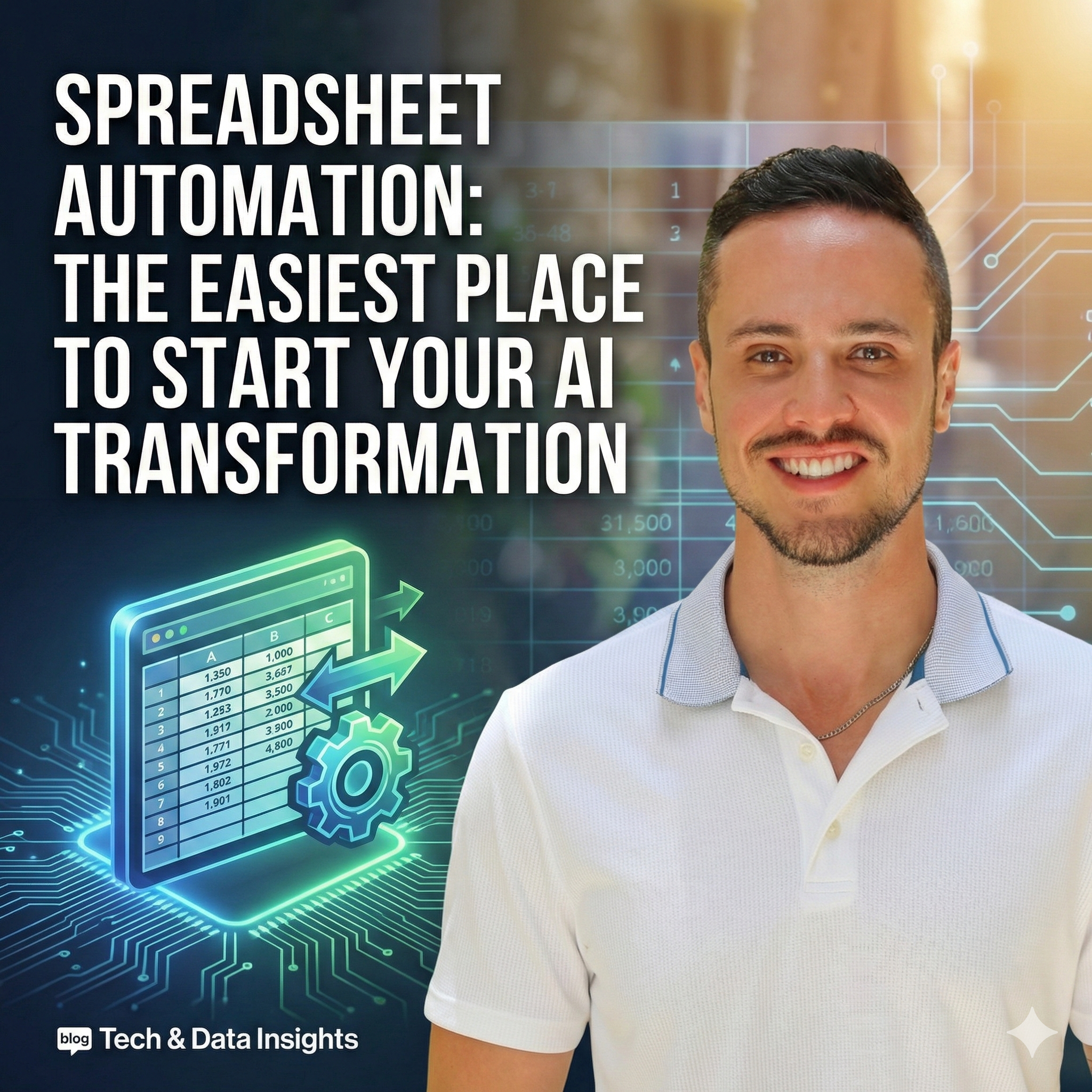
Spreadsheet Automation: The Easiest Place to Start Your AI Transformation

TL;DRShort Answer
Spreadsheet automation is the easiest, lowest-risk way to start your AI transformation. Instead of manually updating Excel and Google Sheets, you can connect them to your tech stack so data flows automatically. A spreadsheet automation consultant helps you design workflows that eliminate manual work, reduce errors, and add AI-powered enhancements like classification and enrichment. Small and mid-sized businesses often see the fastest ROI because they're already stretched thin and have fewer systems to untangle.
If you want a quick, low-risk way to bring AI and automation into your business, you don't need to start with some huge "AI initiative."
You can start with the thing your teams already live inside every single day:
spreadsheets.
Google Sheets, Excel, Airtable... you name it. Love them or hate them, spreadsheets are still the operating system of most organizations. They hold your leads, your forecasts, your inventory, your project plans, your reports.
But here's the problem:
The moment you rely on people to manually update spreadsheets, copy-paste from other systems, or "remember to log it later," your data becomes incomplete, slow, and unreliable.
That's exactly where spreadsheet automation comes in—and where working with an AI and automation consultant can turn your spreadsheets from "necessary evil" into a quiet superpower for your business.
What is spreadsheet automation?
Spreadsheet automation is the process of using technology to update, sync, and act on data in your spreadsheets—without manual work.
Instead of:
- downloading CSVs from your CRM
- pasting Facebook ad leads into a sheet
- manually logging form responses
- copying tasks from a sheet into Trello or Notion
- emailing people every time a row changes
…you connect your spreadsheets to the rest of your tech stack so that:
- rows are created automatically when leads, signups, or payments happen
- cells are updated automatically when statuses or stages change
- notifications, tasks, and reports are triggered automatically when your data hits certain conditions
That's spreadsheet automation.
And when you add AI on top—classification, enrichment, summarization, forecasting—you move from "we have a sheet of data" to "this thing is doing half our operational work for us."
Why spreadsheets are the perfect starting point for AI automation
Most leaders I work with want fast ROI and minimal disruption. Spreadsheets give you both:
- Your teams are already using them.
- No huge change management project required.
- They sit in the middle of your workflows.
- Sales, marketing, ops, finance, HR—everyone has at least one critical spreadsheet.
- They're flexible.
- You can prototype, test, and iterate quickly without rebuilding your entire system.
- They're the perfect "hub" for AI.
- AI can categorize, clean, summarize, and enrich the data you're already collecting.
When I come into a company as an AI consultant, spreadsheets are often the first place we find "hidden" automation wins that pay for the project.
Common spreadsheet automation use cases I implement for clients
Below are some of the most common patterns I design and build. They're inspired by the kinds of workflows Zapier showcases—but reimagined from the perspective of a done-for-you consulting engagement.
1. Automatically add leads to a spreadsheet (and beyond)
If you're running ads on LinkedIn, Facebook, TikTok—or collecting leads through landing pages and forms—you should never be manually exporting CSVs.
With spreadsheet automation, we can:
- Capture leads from your ad platforms or forms
- Push them directly into Google Sheets, Excel, or Airtable
- Enrich them with AI (e.g., infer industry, company size, or intent based on message content)
- Sync them to your CRM or email tool automatically
Result:
Your marketing team gets a live, sharable "command center" of leads, and your sales team gets cleaner, better-qualified data without extra admin work.
2. Use webhooks to connect "anything to anything"
Sometimes there isn't a native integration for the specific app you're using—or you're doing something custom.
That's where webhooks + spreadsheets come in.
I help clients:
- Capture data from custom apps, portals, or internal tools via webhook
- Drop that data directly into a spreadsheet
- Or trigger a webhook whenever a spreadsheet row is created/updated, pushing data into a proprietary system
This is especially powerful for companies with custom databases, niche industry tools, or legacy systems that don't "play nicely" with modern SaaS.
3. Send form responses directly into spreadsheets (with AI cleanup)
You're probably already using tools like Typeform, Gravity Forms, Jotform, Webflow forms, or native website forms.
Instead of:
- logging into each tool
- exporting responses
- cleaning them manually
…I help you set up a flow where:
- form responses land in your spreadsheet in real time
- AI categorizes, tags, or scores each response
- the cleaned data feeds dashboards, reports, or workflows
This is perfect for:
- intake forms
- client applications
- feedback surveys
- NPS/CSAT
- event registrations
4. Turn spreadsheet rows into tasks, tickets, and projects
Many teams still manage their to-do lists, backlog, or follow-ups inside a spreadsheet. That's fine—but it doesn't scale.
Instead, we can:
- Convert new rows into tasks in Trello, Asana, ClickUp, Notion, or Jira
- Route tasks to the right assignee based on column values
- Add AI summaries or context so nobody has to parse long notes
You keep the spreadsheet as a high-level control panel, but your actual execution happens in proper task tools—with no manual copying.
5. Keep spreadsheets in sync across tools, teams, and formats
One team loves Google Sheets. Another swears by Excel. Another uses Airtable.
You don't need to fight about it.
I design sync workflows so that:
- key data flows between Google Sheets, Excel, and Airtable
- one "source of truth" updates the others automatically
- the risk of "Zap loops" or duplicate updates is eliminated with proper logic
This is especially useful when:
- finance uses Excel
- ops uses Sheets
- marketing uses Airtable
…and everyone needs a consistent view of the same data.
6. Smart notifications from (and to) your spreadsheets
Nobody should live inside a sheet hitting refresh.
Instead, we:
- send Slack messages when important rows are added/updated
- send email alerts when thresholds are met (e.g., low inventory, high lead volume, overdue tasks)
- use AI to read incoming emails, extract key info, and log it into a spreadsheet
For example:
- an AI agent reads labeled emails, extracts names, amounts, dates, and decisions
- it then updates your Google Sheet or Excel with structured data
- your team receives a digest or alert based on what changed
This turns your inbox + spreadsheets into an automated ops layer instead of a manual burden.
7. Use spreadsheets as the "brain" of your sales and marketing system
Spreadsheets are often the quiet backbone of sales and marketing:
- campaign tracking
- lead scoring
- list segmentation
- budget vs. actuals
- cohort performance
I build workflows where:
- new leads from sheets are auto-added to your CRM, email platform, or pipeline tool
- AI classifies leads by persona, industry, or intent
- marketing lists update automatically based on spreadsheet criteria
- performance dashboards refresh without human intervention
Your spreadsheet stops being a static archive and becomes a live engine that feeds your sales and marketing machine.
How a spreadsheet automation consultant actually helps
Yes, you could wire some of this up yourself by clicking through templates.
But if you're a business leader who cares about speed, reliability, and ROI, here's what I bring to the table:
1. Strategy, not just Zaps
We don't start with "what can we automate?"
We start with:
- Where are you losing the most time?
- Where are errors costing you money or credibility?
- Where is your data stuck in people's heads, inboxes, or CSV exports?
Then we design spreadsheet automations that directly support your business goals—revenue, capacity, CX, or cost reduction.
2. Architecture that doesn't break in three months
Ad-hoc automation is easy to create and just as easy to break.
I design:
- clear data flows
- documented logic
- proper error handling
- human-in-the-loop reviews where necessary
- governance so everyone knows what's happening
You don't wake up one day wondering, "Why did everything stop syncing?"
3. AI-powered enhancements, not just basic automation
We don't just move data around; we make it smarter:
- use AI to classify, tag, and prioritize rows
- summarize long text fields into something actionable
- detect anomalies or risks based on patterns
- build agents that pull data into sheets automatically (e.g., daily AI news tracking, market signals, keyword ideas, etc.)
This is how your spreadsheet stops being a static log and becomes an intelligent assistant.
4. Training your team so they actually adopt it
Transformation fails when people don't understand or trust the system.
I run hands-on workshops so your team:
- understands what's automated and why
- knows how to adjust inputs without breaking things
- feels confident using AI and automation in their daily work
This turns automation from "Thiago's system" into "how we work now."
Is spreadsheet automation only for big companies?
No. In fact, small and mid-sized businesses often see the fastest ROI because:
- they're already stretched thin
- they have fewer systems to untangle
- one or two powerful automations can free entire days of work per week
If your team is:
- living in Sheets or Excel
- exporting/importing CSVs
- manually copying information between apps
…then you're ready for spreadsheet automation.
What's the ROI of spreadsheet automation?
Every client is different, but here's what we typically measure:
- Hours saved per week (per person and per team)
- Reduction in errors or missing data
- Faster response times (to leads, clients, tickets, approvals)
- Increased capacity (being able to handle more volume with the same team)
- Better decision-making (thanks to cleaner, real-time data)
We can start with one or two high-leverage workflows, quantify the impact, and then expand from there.
Ready to turn your spreadsheets into automated growth engines?
If your team is still:
- manually updating spreadsheets
- exporting data from tools "when we have time"
- copying information between apps
- chasing people to update rows
…you're leaving time, money, and sanity on the table.
Spreadsheet automation is one of the fastest, safest ways to experience real AI transformation in your business.
If you'd like support designing and implementing this—along with training your team and tracking ROI—that's exactly what I do.
If you're interested in learning more about how we help businesses adopt AI with measurable ROI, explore our AI consulting services, check out our case studies, or book a free consultation to discuss how we can help your organization.
Frequently Asked Questions
Can spreadsheet automation work with AI?
Can spreadsheet automation work with Google Sheets, Excel, and Airtable?
How do I know if my business needs spreadsheet automation?
How does Elevate AI Consulting help with spreadsheet automation?
How long does it take to implement spreadsheet automation?
Is spreadsheet automation only for large companies?
What are common spreadsheet automation use cases?
What does a spreadsheet automation consultant do?
What happens if the automation breaks?
What is spreadsheet automation?
What's the difference between spreadsheet automation and using Zapier templates?
What's the ROI of spreadsheet automation?
Why are spreadsheets a good starting point for AI automation?