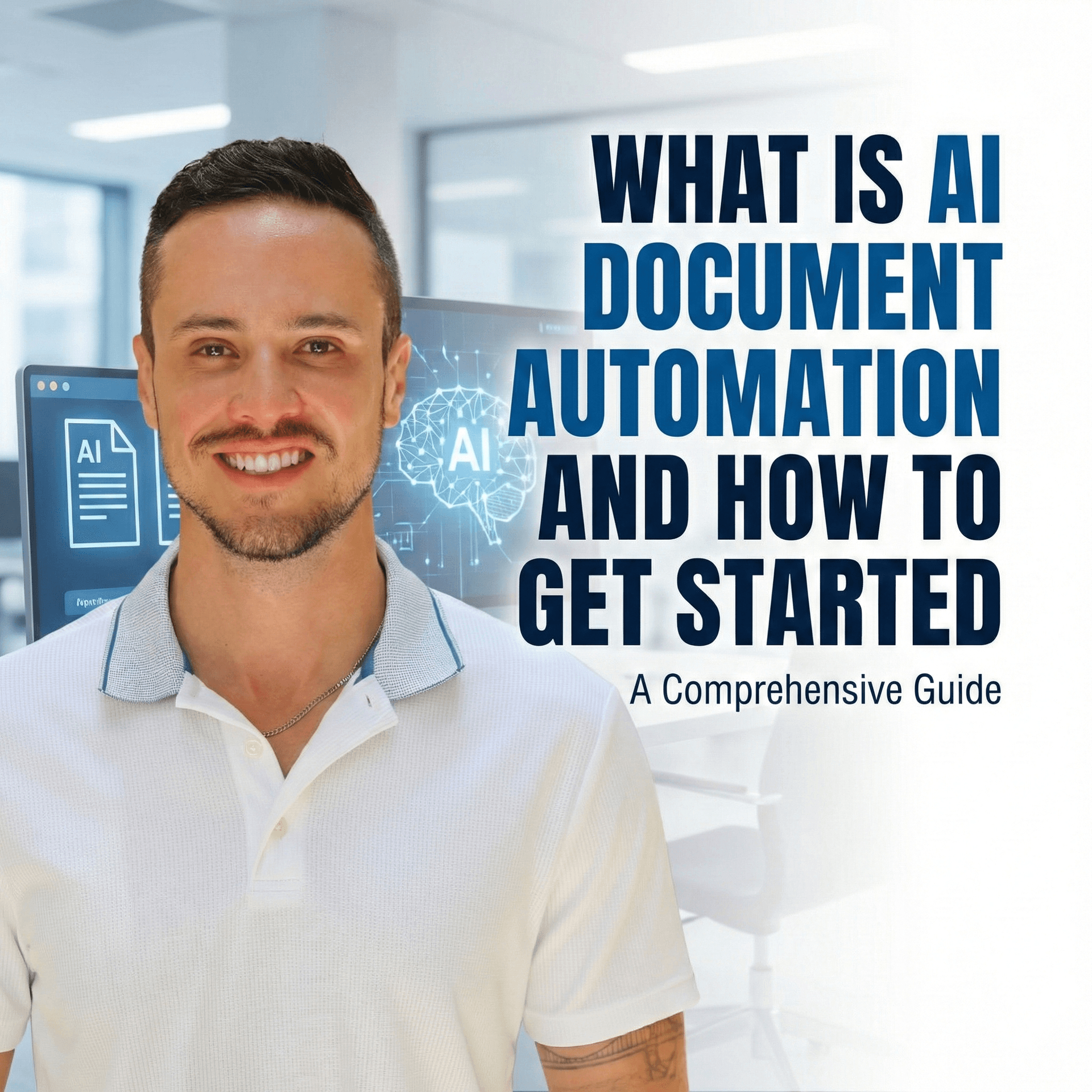
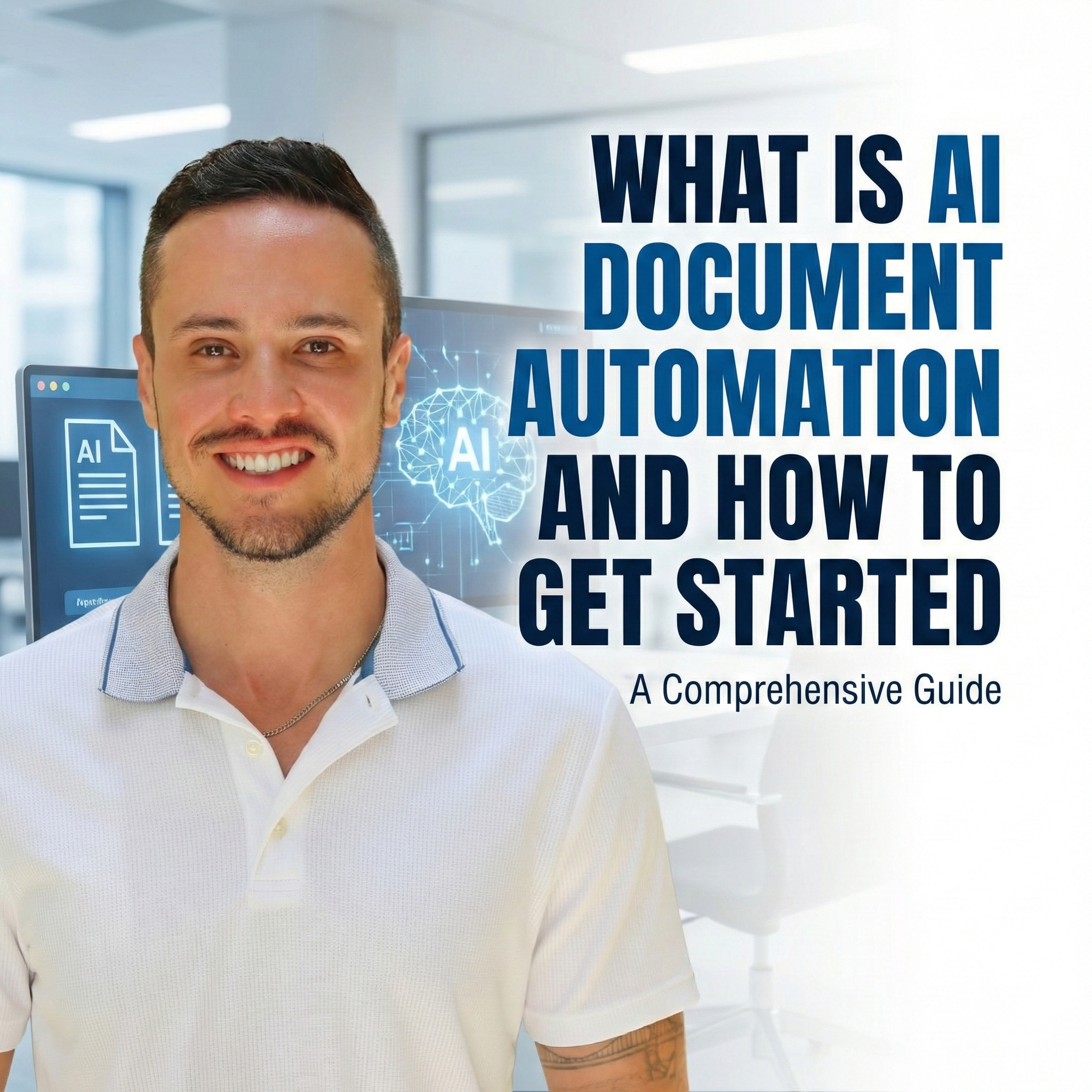
Document Automation: Create, Organize, and Route Documents Automatically
TL;DRShort Answer
Document automation removes the manual work involved in creating, organizing, routing, and filing documents across your business. Instead of copying/pasting data, dragging PDFs into folders, or hunting down the "final version," automated workflows generate documents from templates, store them in the right place, notify the right people, update your CRM or project tools, and even summarize content using AI. Elevate AI Consulting helps companies turn slow, error-prone document processes into fast, reliable, automated systems. The result: fewer mistakes, faster sales cycles, smoother onboarding, improved compliance, and teams that spend time on strategy—not admin.
I'm getting right to it today:
Think about how much of your week is still spent doing this:
- Downloading PDFs
- Renaming files
- Dragging contracts into the "right" folder
- Copy-pasting form data into Google Docs
- Hunting through email/search trying to find "FINAL_v7_really_final.pdf"
Now multiply that by everyone on your team.
For most companies, documents are where the real work lives—contracts, proposals, SOWs, onboarding packets, policies, reports. But the workflows around those documents? Still painfully manual.
That's exactly what document automation fixes.
And when you approach it strategically—with an AI + automation consultant instead of random one-off hacks—it becomes one of the fastest ways to:
- free up capacity
- reduce errors
- tighten compliance
- and improve client + employee experience
All using tools you probably already have.
What is document automation?
Document automation is the process of creating, organizing, routing, and updating documents automatically—without human copy-paste.
Instead of:
- manually generating contracts from templates
- moving signed PDFs into the right client folder
- emailing the team every time a document is updated
- tracking status changes in spreadsheets or Slack threads
…you design workflows where:
- documents are created automatically from forms, CRM data, or spreadsheets
- files are named and filed automatically in the right folder structure
- notifications are sent automatically to the correct people and channels
- downstream systems are updated automatically (CRM, project tools, finance, HR)
In other words:
Your files stop relying on memory, discipline, and "did someone move that yet?" and start flowing through your business like a system.
Why document workflow automation is such a big lever
You can think of document automation as quiet infrastructure. It doesn't shout for attention, but it touches almost every part of the business.
Here's why it matters so much:
1. It saves hours of low-value admin work
No more:
- generating the same docs over and over
- renaming files manually
- uploading into the right folder "later" (and forgetting)
Automation handles that, so your team can focus on decisions, relationships, and execution.
2. It dramatically reduces human error
Copy-pasting is where mistakes are born:
- wrong client name in a contract
- outdated pricing in a proposal
- a signed agreement never making it to the CRM
Automations follow clear rules every time. That consistency is how you avoid embarrassing (and sometimes expensive) errors.
3. It cleans up your digital chaos
Instead of drives full of "ClientName – NEW" and "ClientName – OLD – USE THIS ONE," you get:
- consistent naming conventions
- predictable folder structures
- documents auto-tagged/shared with the right people
Result: your team stops losing time digging for files and starts trusting your document system again.
4. It unlocks real speed & scalability
As you grow, manual document workflows become a bottleneck:
- sales slows down waiting on contracts
- onboarding waits on paperwork
- legal/compliance drowns in version management
With document automation, a signed contract can:
- instantly update the CRM
- trigger a project in your PM tool
- create onboarding docs
- notify finance to prepare the first invoice
Seconds, not days.
5. It strengthens compliance and auditability
For regulated industries or organizations with strict policies, document automation can:
- enforce standardized processes
- log who did what, and when
- maintain clean, searchable histories of approvals and changes
You get built-in audit trails without manual record-keeping.
6. It improves customer and employee experience
People feel the difference when documents arrive:
- on time
- accurate
- consistent
- easy to sign, store, and refer back to
That's true for clients receiving proposals and contracts—and for new hires getting onboarding materials before day one.
What makes a good document automation stack? (And where I come in)
Here's what we design together:
1. Deep integration with your existing tools
We don't rip and replace. We connect:
- Google Drive / OneDrive / Dropbox
- Google Docs, Word Online, PDF tools
- CRMs like HubSpot, Pipedrive, Salesforce
- eSignature tools like PandaDoc, DocuSign
- HRIS, project management, billing, and more
Goal: your documents move automatically between the tools your business already runs on.
2. Flexible triggers and actions
We define events like:
- "New form submitted"
- "Contract signed"
- "Deal moved to 'Won'"
- "New hire marked as 'Hired'"
…and connect them to actions like:
- generate a doc from a template
- move file to correct folder & rename
- send Slack/email notifications
- create a project/task/ticket
- update CRM/HR/finance records
This is the backbone of document workflow automation.
3. Templates + dynamic content
We turn your existing documents into smart templates:
- contracts with dynamic fields
- SOWs that pull in scope, dates, fees
- offer letters that pull in role, salary, start date
- proposals that auto-fill with client details
Inputs can come from:
- forms
- CRMs
- spreadsheets
- or other internal systems
So your team stops editing Word/Google Docs manually every single time.
4. Routing, approvals, and handoffs
We design flows where:
- documents auto-route to the right approver
- approvals or rejections are logged
- next steps trigger automatically (e.g., start onboarding when contract is approved)
No more guessing: "Who's supposed to review this?" or "Did legal sign off yet?"
5. Security, permissions, and compliance
We align with your security/compliance needs:
- folder-level access controls
- minimum-privilege sharing
- logging and audit trails
- data-handling rules for sensitive docs
Automation here isn't just about speed—it's also about control.
6. Ease of use for non-technical teams
All of this has to be manageable by your internal team after I'm gone.
That means:
- clean documentation
- intuitive flows
- training for admins and power users
- governance so everyone knows what they can/can't touch
No black boxes. Your team should feel ownership.
Real-world document automation examples we build for clients
1. From form to contract to CRM to project
Imagine this flow:
- Prospect completes an intake form or proposal request
- A contract/SOW is generated from a template and pre-filled with their data
- A draft link is sent to the internal owner for review
- Once signed, the PDF is: stored in the right client folder, attached to the CRM record, used to update deal status to "Won," triggers creation of a project & tasks in your PM tool, notifies finance to set up billing
All without anyone dragging files around or typing the same information five times.
2. HR: offers, onboarding, and employee files
Common HR workflows we automate:
- Offer letters generated from templates when a candidate is marked "Hired"
- Signed offers auto-saved in the right employee folder
- Onboarding packets (IT, benefits, policy docs) created & sent automatically
- Status changes in HRIS used to trigger new doc creation (e.g., promotions, role changes, offboarding checklists)
This makes HR look seamless—and reduces the risk of missing critical steps.
3. Legal & compliance: consistent, trackable documentation
For teams where legal and compliance are central, we can:
- enforce only approved templates are used
- log every generated document with timestamp + source
- track lifecycle: draft → review → approved → signed → archived
- centralize signed documents for fast retrieval
Your legal team stops being the bottleneck and becomes the engine.
4. Content & marketing: from draft to CMS to archive
If your team drafts content in Google Docs:
- Moving final drafts to WordPress, Ghost, or another CMS can be automated
- Slide decks can be generated from approved docs
- Published posts can be backed up to Drive as canonical copies
For content-heavy teams, this can save hours every week and reduce version chaos.
5. AI-powered document workflows
This is where it gets fun.
We layer AI into document automation to:
- generate first drafts of documents from forms, Slack threads, or transcripts
- summarize long documents into briefs, executive summaries, or highlights
- extract key terms (dates, amounts, obligations) from contracts
- analyze documents at scale (e.g., "flag all contracts with auto-renew clauses")
Examples:
- Summarize meeting transcripts into action-oriented briefs in Google Docs
- Turn Slack message bookmarks into drafts for blog posts, emails, or briefs
- Parse contracts and add key terms into a structured spreadsheet for reporting
AI doesn't replace your judgment—it accelerates it.
Why work with a document automation consultant instead of DIY?
Yes, many platforms make it possible to click together automations yourself.
But in practice, most organizations get stuck here:
- they create a few one-off Zaps/flows
- nothing is documented
- dependencies get messy
- people leave, and no one knows how it all works
When I partner with a client on document automation, the work is:
- Strategic – We tie workflows directly to business objectives and KPIs.
- Architected – We think about data, security, and long-term maintainability.
- Cross-functional – Legal, sales, ops, HR, finance—everyone is accounted for.
- Documented & trained – Your team actually learns how to own it.
We're not "connecting an app."
We're designing how documents move through your business.
Measuring ROI on document automation
We'll typically track:
- time saved on document creation, filing, and routing
- reduction in errors or missing documents
- speed from "agreement reached" → "contract signed" → "project started"
- fewer "Where is that file?" moments
- improved compliance/audit readiness
In many cases, one or two automations around contracts, onboarding, or proposals already justify the investment.
Ready to build intelligent document workflows?
If your team is still:
- manually generating proposals, contracts, or onboarding packs
- filing PDFs into shared drives "later"
- chasing approvals over email or Slack
- copy-pasting content between docs, spreadsheets, and apps
…you're operating with unnecessary friction.
Document automation is one of the highest-leverage, lowest-friction places to start or accelerate your AI transformation.
If you want support designing these workflows, implementing them on top of your existing tools, and training your team to use them confidently—that's exactly what I do.
Explore our AI consulting services, check out our case studies, or book a free consultation to discuss how we can help your organization.
Frequently Asked Questions
Can AI be part of document automation?
Do I need a developer to automate documents?
How do I get started with document automation?
How does document automation work?
Is document automation expensive?
What are some examples of document automation workflows?
What is document automation?
What tools do I need for document automation?
What types of documents can be automated?
Which teams benefit from document automation?
Why is document automation important?